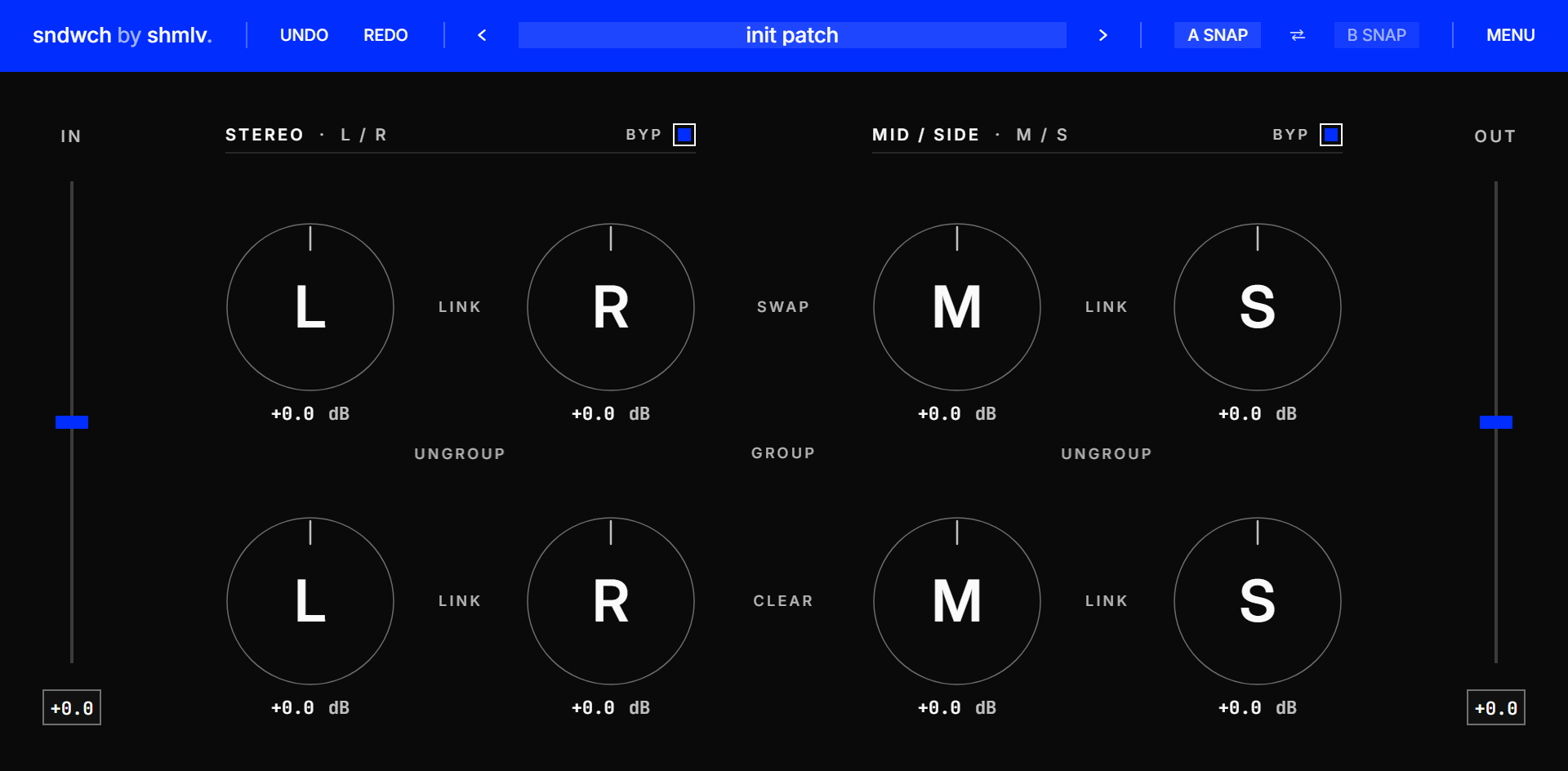
sndwch wraps your FX chain.
Put one instance before your chain and one after it. Push your processors harder, pull the level back, and make decisions by tone — not loudness.
 Louder is not better. It is just louder.
Loudness lies.
Compressors, clippers, saturators and limiters react differently when you hit them harder. That can be useful — until the output jump makes everything feel better just because it is louder.
sndwch lets you drive your chain from the input side and compensate from the output side, so your A/B decisions stay level-matched.
push the chain
Add input gain before your FX chain and hear how the processors react under pressure.
pull it back
The output instance compensates the level, so louder does not win by default.
compare honestly
Use level-matched A/B decisions to judge tone, movement, punch and balance.
you still decide
sndwch does not master for you. It gives you a cleaner way to listen.